
/buddyread pair
Pair yourself with a reading buddy using the ID from the announcements board. This command allows you to officially start a buddy read session with someone who has posted an announcement, creating a private pairing for the selected book.
 Usage
Usage
/buddyread pair <id>
<id>– The unique ID number of the buddy read announcement you want to respond to (found using/buddyread announcementsor/buddyread search)
Once you pair with someone you can begin using commands such as /buddyread dm
 Example
/buddyread pair 12
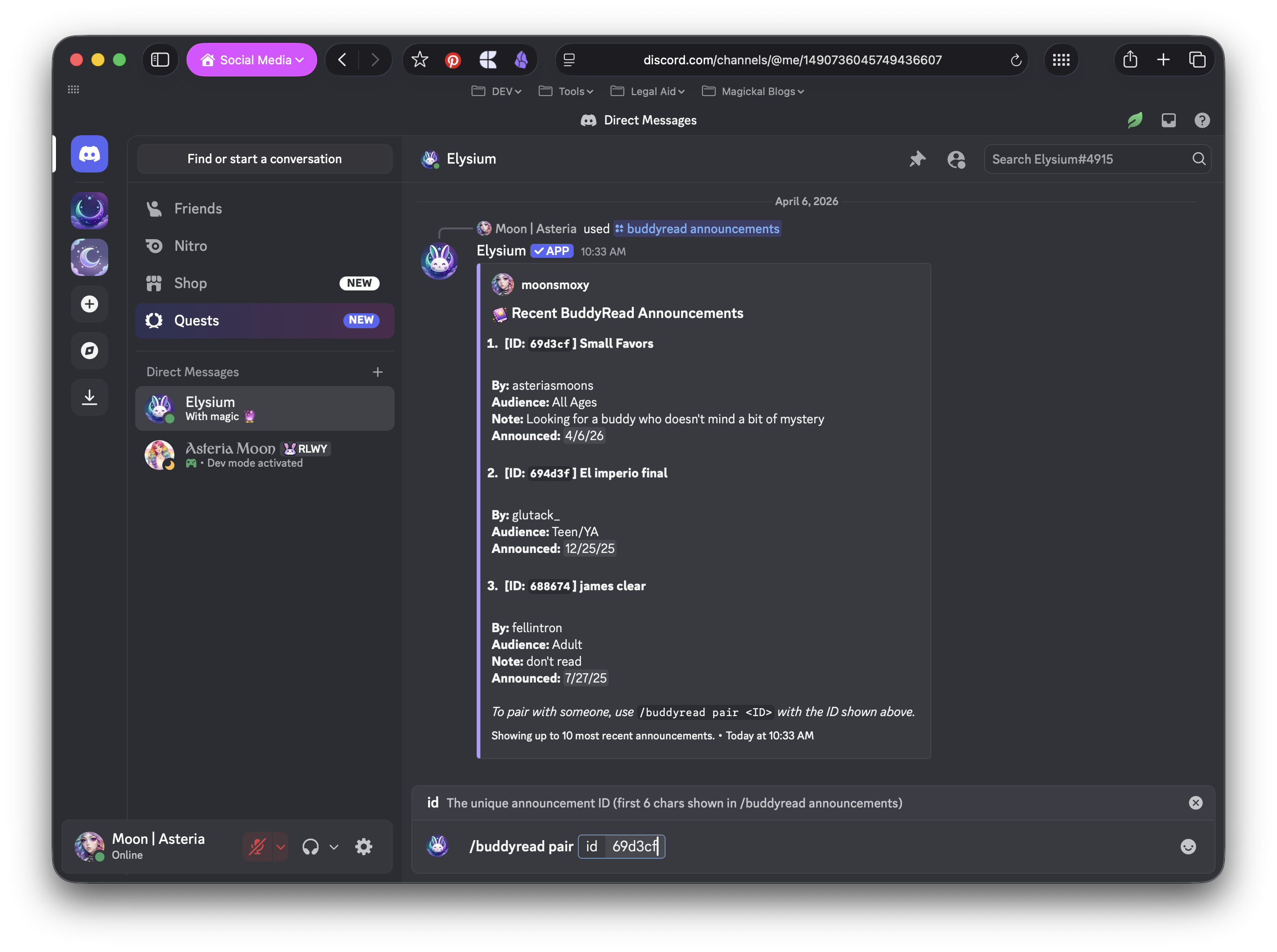
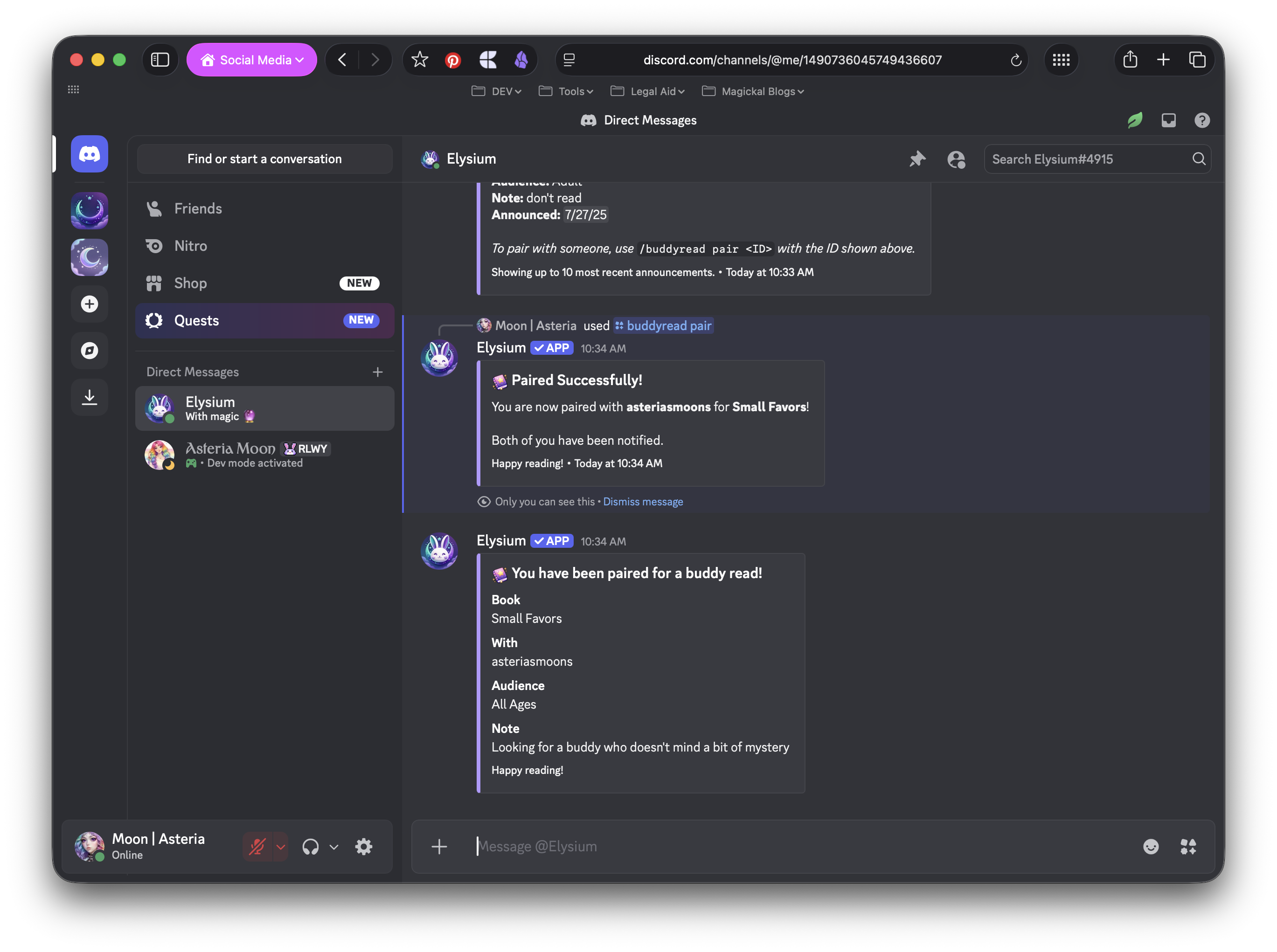
This will:
- Pair you with the user who posted announcement ID #12 for their selected book
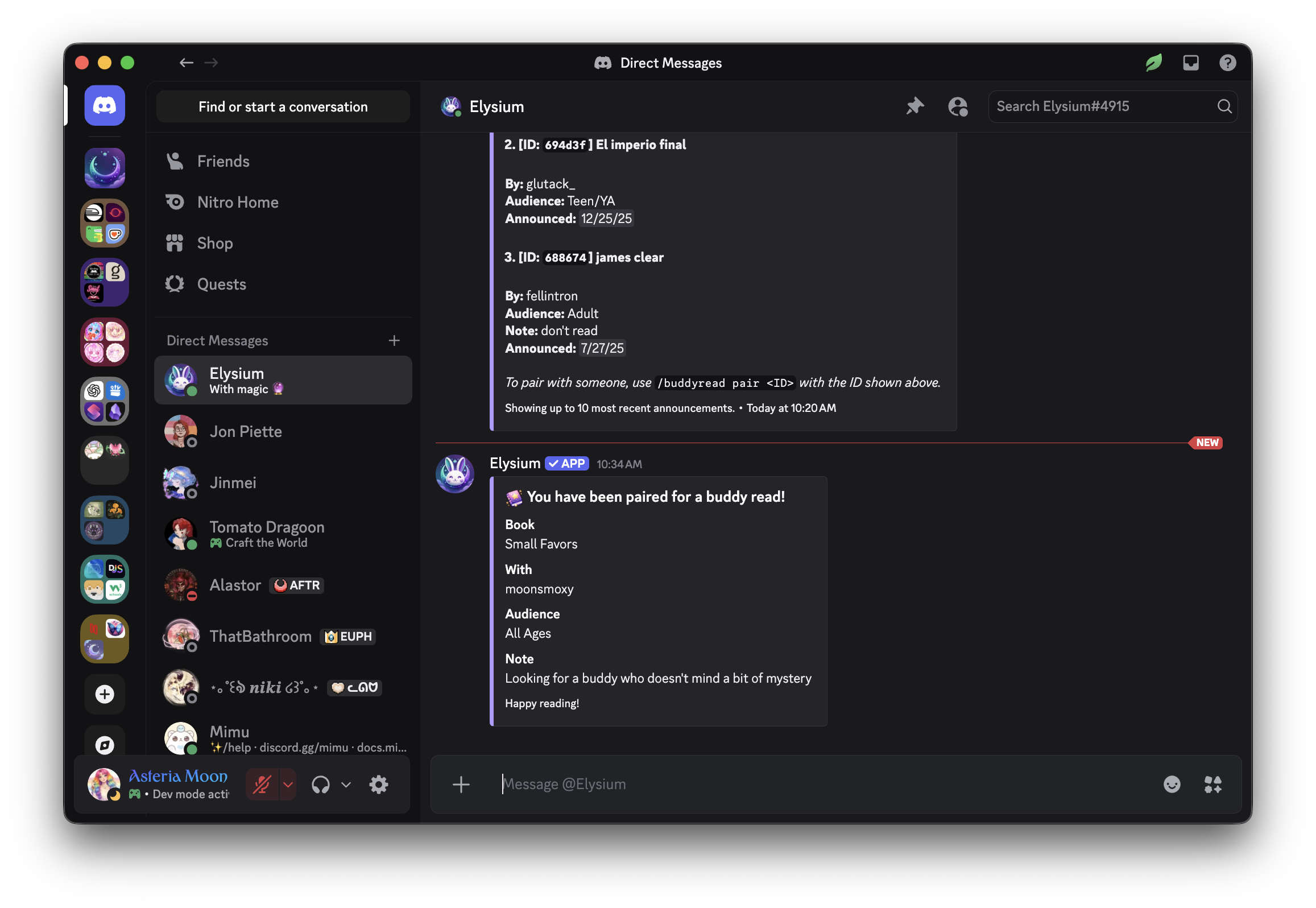
- Notify both you and your new buddy that you’ve been paired
- Start a private buddy read session, enabling you to use DM and session commands together
- Remove the announcement from the global board so it’s no longer available for others to join
 Notes
Notes
- You can only pair with announcements that are currently active on the board
- Both users will be notified immediately and a new session will appear in your buddy read sessions list
- Once paired, you can communicate privately using
/buddyread dmand track progress together- Pairing is first come, first served—once paired, the announcement is removed from public view
 Related Commands
/buddyread announcements – View all available buddy read announcements
/buddyread search – Find announcements by book or audience
/buddyread dm – Send a direct message to your new buddy
/buddyread sessions – View all your buddy reading sessions