
/buddyread search
Search the buddy read announcements board for users seeking a reading partner. Use this command to filter announcements by book title and audience, making it easy to find someone who matches your interests and preferences.
 Usage
Usage
/buddyread search <book> [audience]
<book>– The title of the book you’re searching for on the announcements board[audience]– (Optional) Filter results by audience type (e.g., “All ages”, “Teen/YA”, “Adult”, “Mature”)
Search for a book announcement globally with this command!
 Example
/buddyread search "Legends & Lattes" Adult
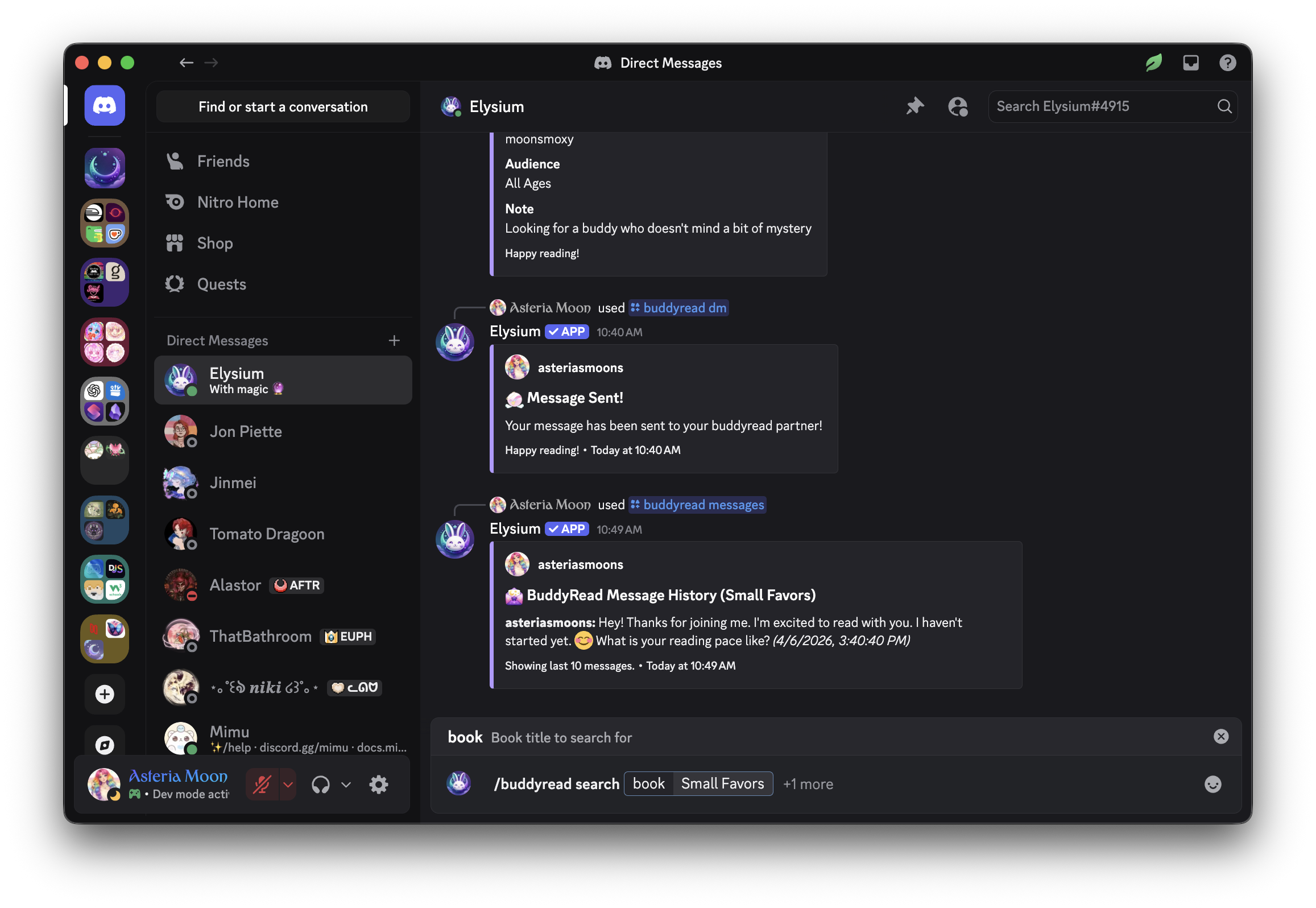
This will:
- Show all current buddy read announcements for “Legends & Lattes” filtered to the “Adult” audience
- Display each announcement’s details, including who posted it, their note, and how to pair with them
 Notes
Notes
- You can use this command to quickly find announcements for books you’re interested in
- Filtering by audience helps you find the most appropriate or comfortable match
- Use the announcement ID from your search results to pair with someone using
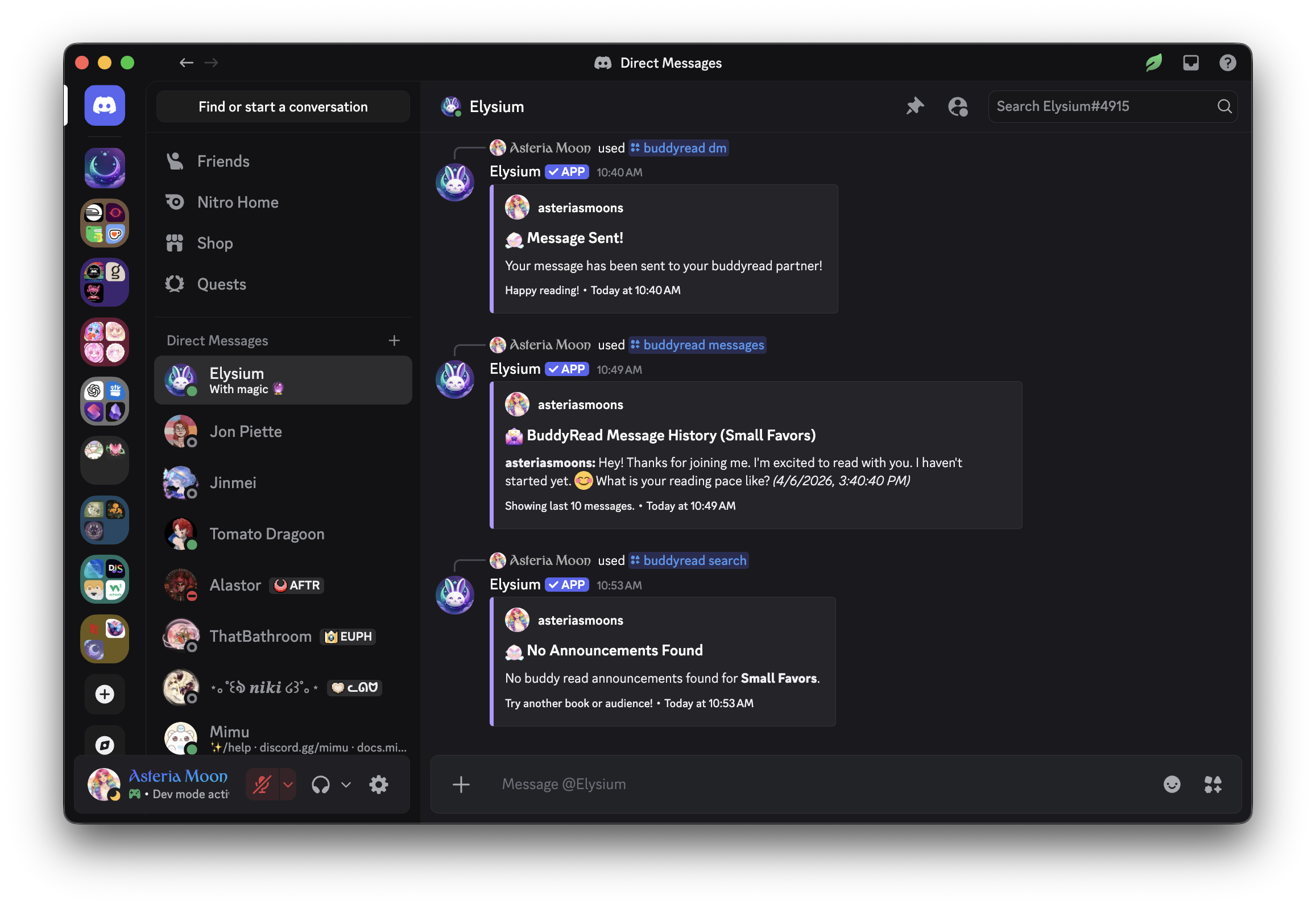
/buddyread pair <id>- If no results are found, try adjusting your book title or leaving off the audience filter
 Related Commands
/buddyread announcements – View all available buddy read announcements
/buddyread pair – Pair with a user from the search results
/buddyread announce – Post your own announcement to the board
/buddyread delete – Delete your own announcement if needed