
/channel reset
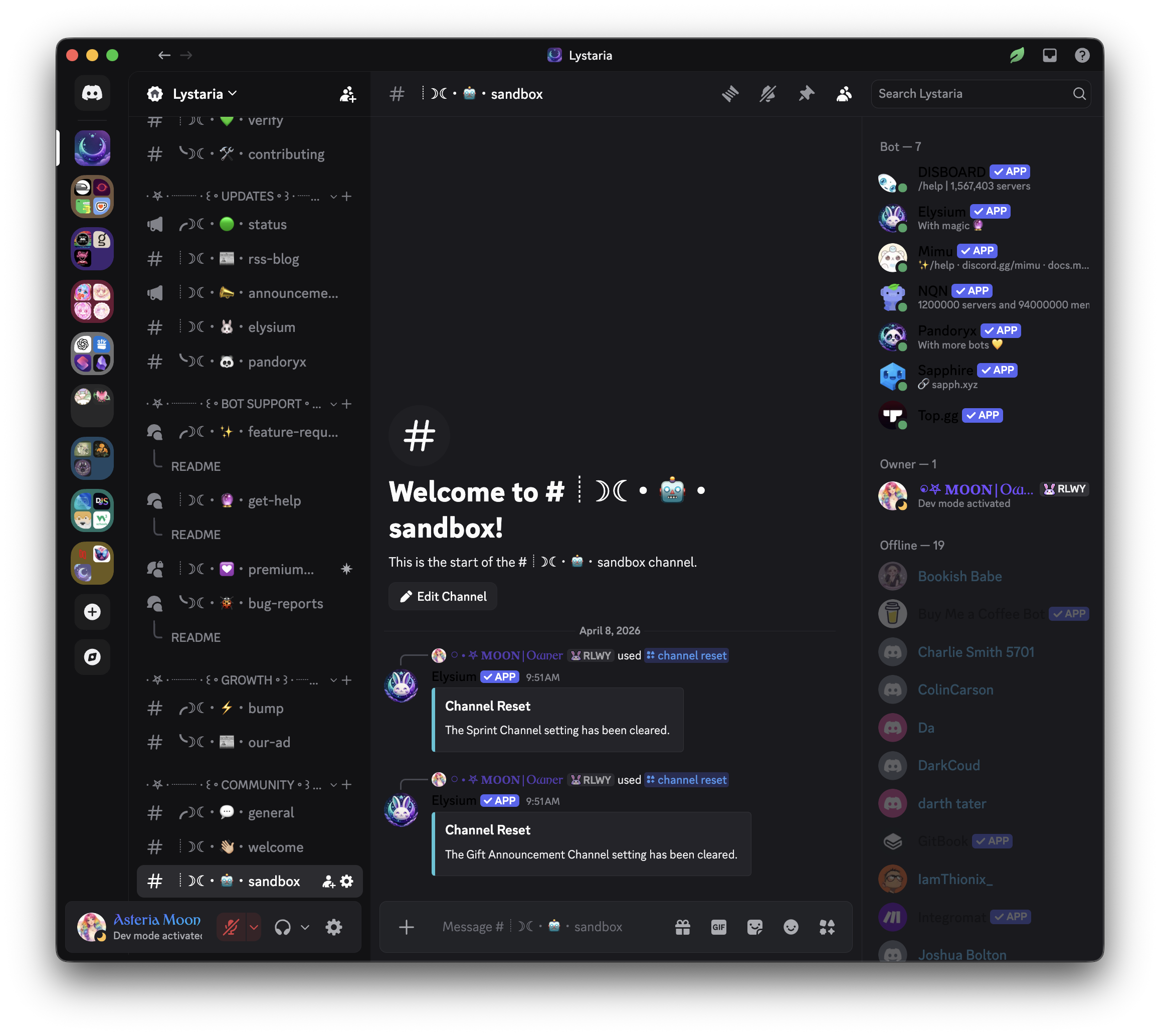
Reset the configured channel for either reading sprints or giftlist announcements. Use this command to remove your custom channel assignment for a specific function, allowing those events or announcements to revert to default behavior or be set elsewhere.
 Usage
Usage
/channel reset <type>
<type>– The type of channel you want to reset.
Options: gifts (reset the giftlist announcements channel) or sprints (reset the sprint events channel)
 Example
/channel reset sprints
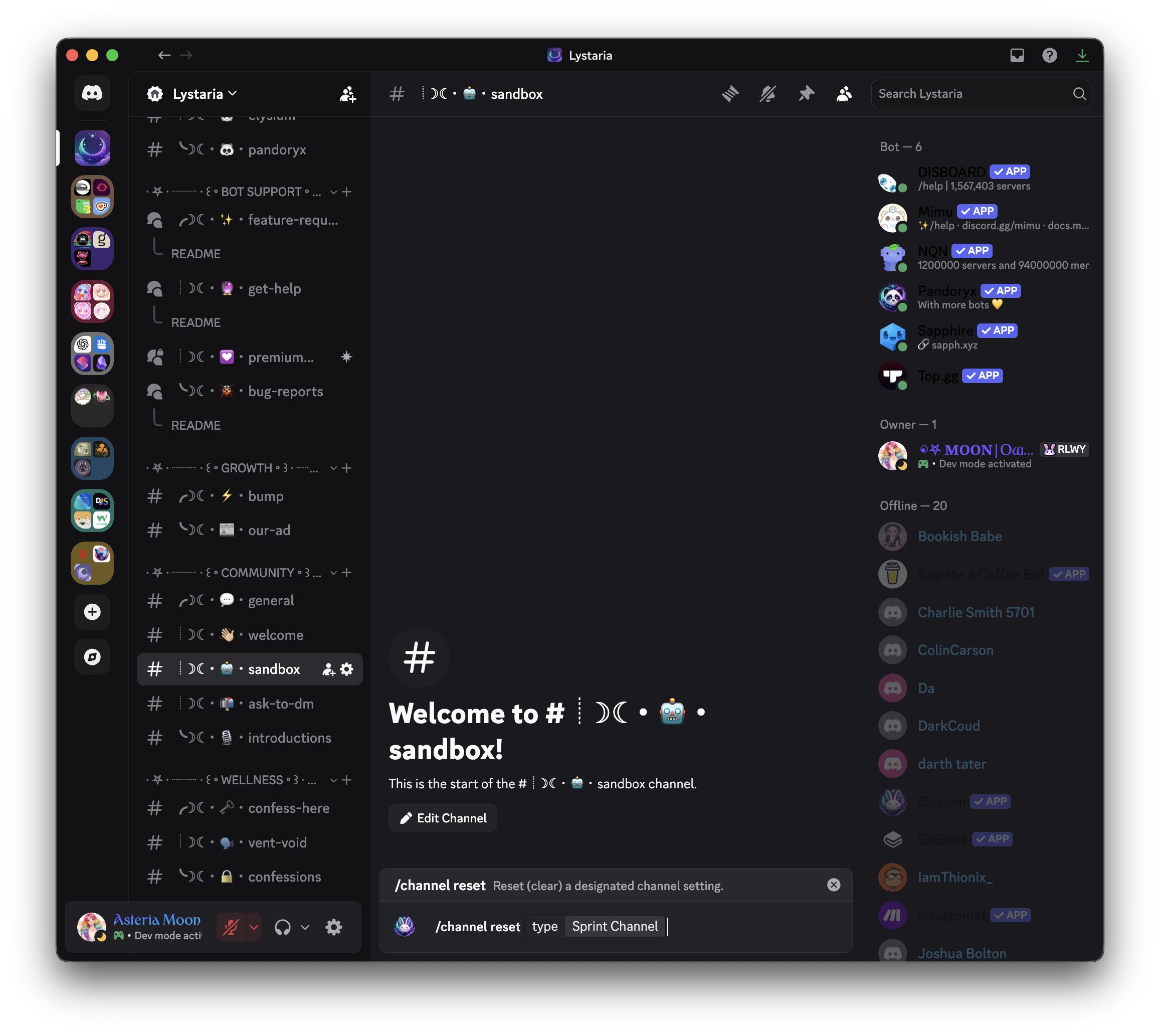
This will:
- Remove the current sprint channel assignment
- Cause future sprint event announcements to be posted in the default location (usually wherever the command is used)
/channel reset gifts
This will:
- Remove the current giftlist channel assignment
- Cause future gift announcements to be posted in the default location
 Notes
Notes
- Only users with appropriate server permissions (such as Manage Channels) can use this command
- Resetting a channel only affects the selected function—other channel settings remain unchanged
- Use this when reorganizing your server, deleting a special channel, or wanting to assign a new one
 Related Commands
/channel set sprints – Assign a channel for sprint events
/channel set gifts – Assign a channel for giftlist announcements
/channel view – View the current channel assignments