
/channel set gifts
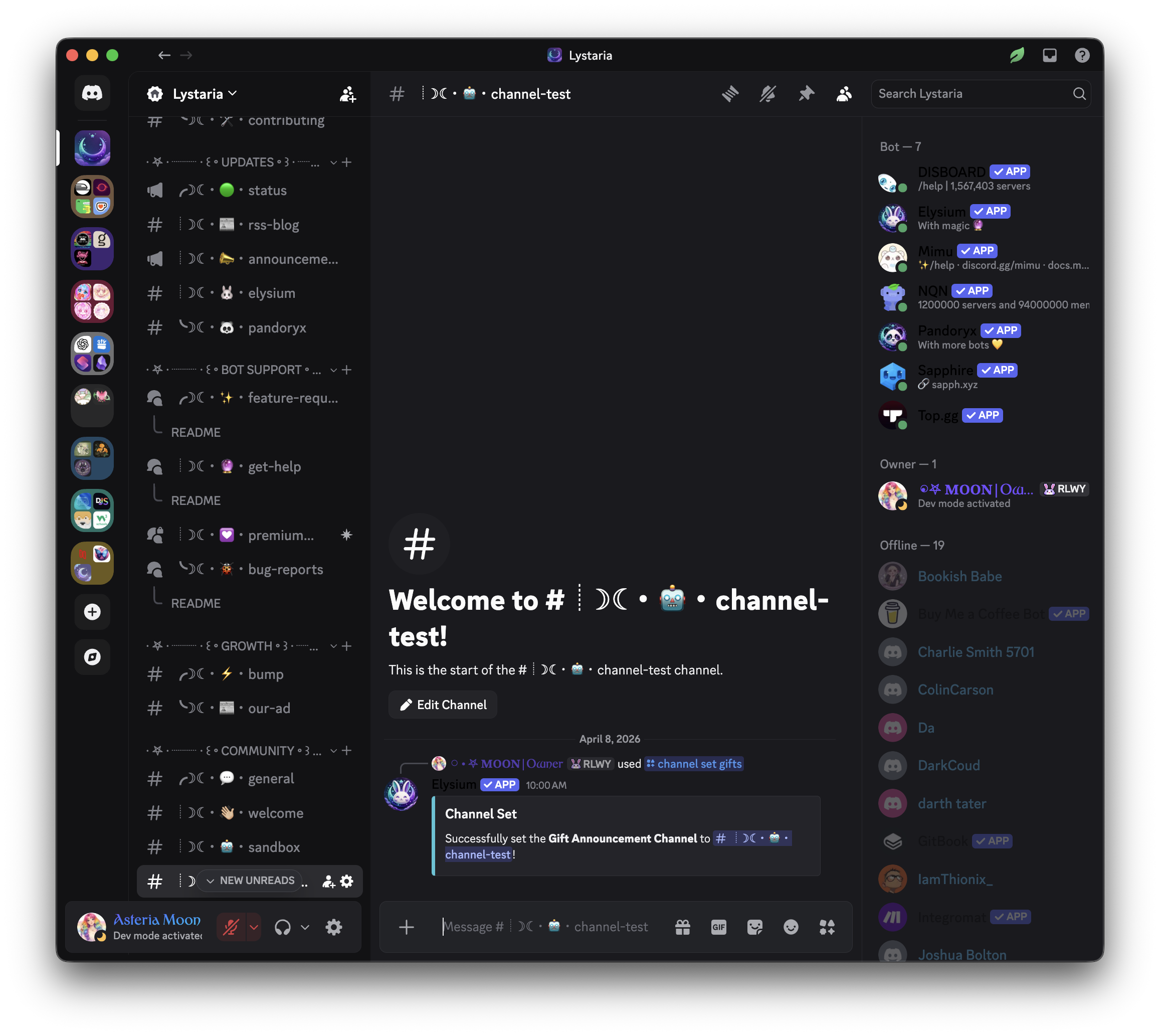
Set a designated channel for giftlist announcements. Use this command to choose where Elysium Bot will post all gift-related notifications and celebratory messages, keeping your server organized and making sure gift announcements are always seen in the right place.
 Usage
Usage
/channel set gifts <channel mention>
<channel mention>– The channel where you want giftlist announcements to appear (must mention/tag the channel)
If you wanna buy someone a book from their gift list you can use this command to announce it in the server.
 Example
/channel set gifts #book-gifting
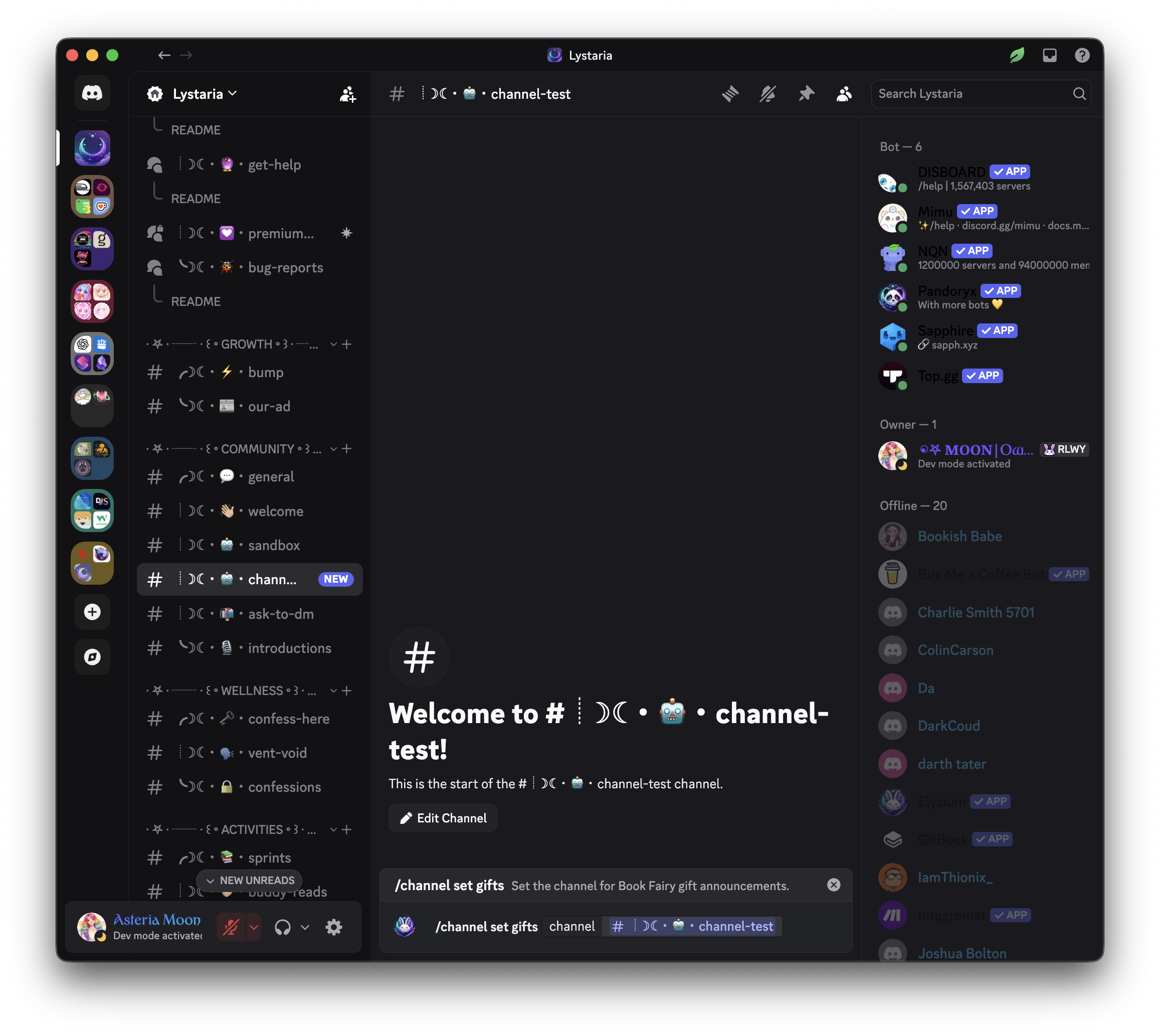
This will:
- Assign the
#book-giftingchannel as the official place for all giftlist announcements - Ensure all future book gifting notifications are posted in the selected channel
 Notes
Notes
- Only users with the necessary permissions (e.g., Manage Channels) can run this command
- You can change the giftlist channel anytime by running this command again with a different channel
- To remove the assignment and go back to default, use
/channel reset gifts- Keeping gift announcements in a dedicated channel helps highlight community generosity!
 Related Commands
/channel reset – Reset the configured channel for gifts or sprints
/channel set sprints – Assign a channel for reading sprint events
/channel view – View your current channel assignments